 emdeplam
photo strips · poses
Korean style 4 cut photos at home: setup and pose ideas
Four photos, four poses, a few seconds each: that's the fun of a photo booth. You can do the same at home with an iPhone: a countdown, a pose prompt for every photo, then a strip with a frame and a backdrop. Here's how to set up, plus the easiest poses, taken from the prompts inside emdeplam.
Pick the format before the poses
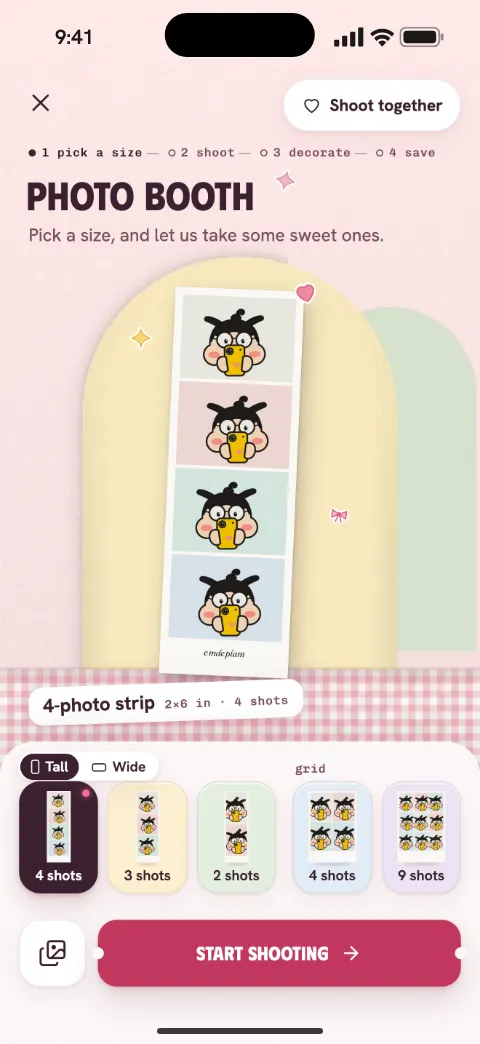
The format decides how many beats your story gets:
- A 4 photo strip: the classic booth strip, prints at 2×6 inches.
- A 2 or 3 photo strip: fewer poses, bigger photos, great solo.
- A 2×2 or 3×3 grid: a 4×6 inch card, the 4 cut style of Korean photo studios.
- Portrait or landscape: hold the phone sideways for a wide strip, handy for a big group.
Set up a booth at home
- Light first. Face a window in daylight. At night, turn on the screen light: the whole screen glows one colour (13 to pick from) to light your face.
- Phone at eye level, propped on books or a tripod, about an arm's length away.
- A 3, 5 or 10 second timer: 3 when you're used to it, 10 when the whole group has to run into frame.
- A Regular or Wide viewfinder: Wide shows more of the room, Regular feels like a real booth.
- A plain background: a bare wall, a curtain or a sheet. The pretty backdrop comes later.
Tell a story in four frames
Four photos look best when they flow: an opener (look straight, soft smile), a switch (your cool face, or a surprised one), a peak (a big heart, squeeze in closer) and an ending (look at each other, or turn away like you're done). Stuck for ideas? Let the app's prompts lead: one line per photo, short enough to read and pose before the flash.
Solo poses: cute or cool
Cute: hands on cheeks · puff your cheeks · cat ears with your hands · flower hands under your chin · tiny heart by your cheek · flipped V under your chin · poke your cheek, smile.
Cool: no smile, stare at the lens · side-eye the camera · look back over your shoulder · smirk a little · peace over your eyes · look up, deep in thought · collar up over your mouth.
Tip: put one cute photo among three cool ones (or the other way round) and the strip gets a twist.
Couple poses
- Heads together, close
- Make one heart, together
- Fake a cheek kiss
- Just look at each other
- Head on their shoulder
- Foreheads together
- Back hug
- Puff your cheeks, they poke
- Hold hands, look at the lens
Far apart? Read how a long distance photo booth works: each of you shoots half of every frame.
Friend group poses
- Squeeze in, all in frame
- Everyone, a different face
- All look at one friend
- Laugh like you heard a joke
- Arms around shoulders
- Bunny ears on a friend
- Stack up, heads peeking out
- Chin on a friend's shoulder
- Just the top of your head
Camera shy? Peekaboo poses
The Peekaboo pack is for photos with a mood that don't show your whole face: hand over half your face · peek through your fingers · hair over half your face · a hand heart over your face · hide in your sleeves · turn away, glance back. Good for stories when you want to keep it private.
Frames, backdrops, stickers and live strips
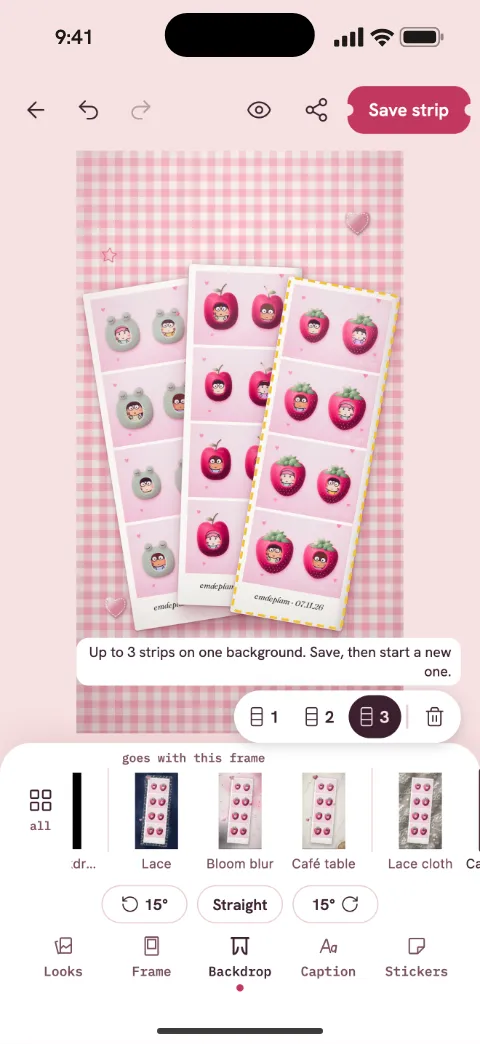
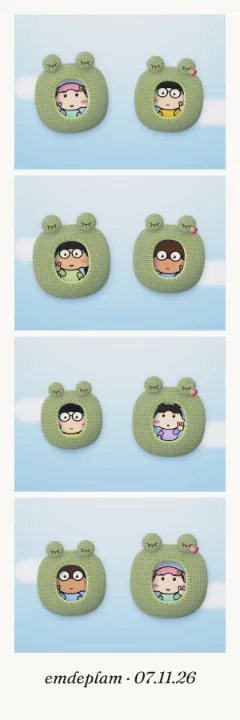
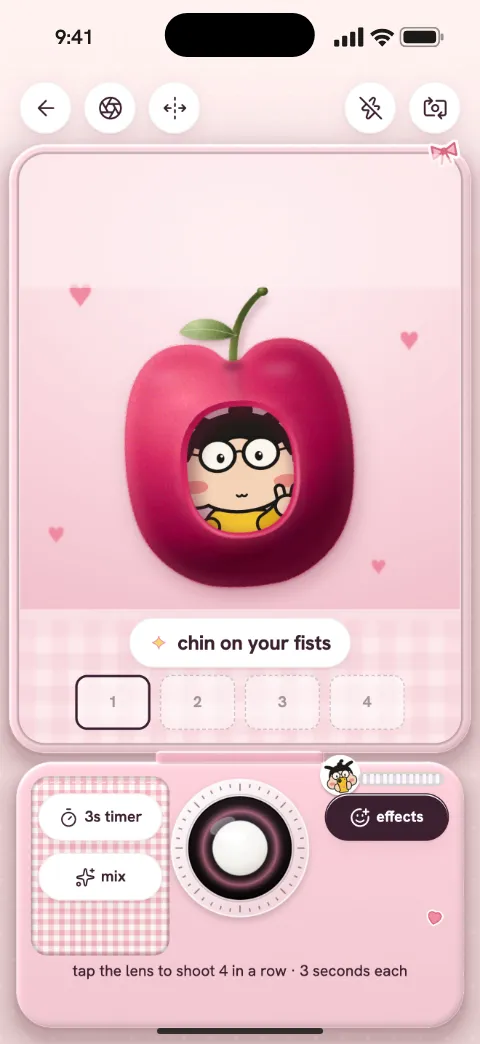
After the shoot comes the dressing up: 29 frames, 28 backdrops like white silk, sky, morning sun and a café table, or No backdrop to save at print size. Add a caption under the strip, stickers, and face effects like a velvet cherry hood or a knit frog hood. Turn on Live while shooting and every photo keeps a moment of motion, saved as a GIF or a video.
More in the full guide to a photo booth at home.
Quick answers
What do I need for a photo booth at home?
An iPhone, good light (or the screen light), something to prop the phone on, and emdeplam for the countdown, the pose prompts and the strip design.
Can I print the strips?
Yes. Pick No backdrop to save at print size, 2×6 inches for a strip or 4×6 for a grid, and print at a photo shop or on a mini photo printer.
Does the app add a logo?
No. Photos save without a logo, and the small credit appears only if you turn it on.
Get emdeplam, prop up your phone and shoot your first 4 cut strip.
5.0 · 3,500+ downloads on the App Store